Broadcast engineers
They've built signal chains in the dark at 5am and can tell specs from marketing within a sentence. Give them numbers, protocols and limits.
Salvo is our live production system, formerly LGL-OS. The name comes from broadcast routing, where a salvo is a saved set of crosspoints fired together. This guide covers the name, mark, colour, type and writing voice.
Salvo sits between signal entry and content delivery: it ingests, routes, records and releases feeds during a live production. The people using it are working under time pressure, often at night, often on a show that can't be repeated.
They've built signal chains in the dark at 5am and can tell specs from marketing within a sentence. Give them numbers, protocols and limits.
They need the whole system on one screen and need to know it will hold for the length of the show.
They won't read the manual beforehand. Whatever they need has to be obvious when they sit down.
Salvo is a term engineers already use in the control room, and an ordinary English word to everyone else. Both readings describe what the product does: many routes, one action.
Engineers recognise the router term and assume you've worked live before.
Everyone else hears several things happening at once.
Five letters, two syllables. It fits a favicon, a tab title and a rack label, none of which LGL-OS did well.
It's a common word, so trademark clearance and search ranking are harder. Clear it before anything is printed.
The product name and the router term will appear in the same sentence. Capitalisation tells them apart.
Capitalised Salvo is the product. Lowercase salvo is the action.
"When an operator fires a salvo, every routed source cuts together."
"Salvo fires a Salvo"
"salvo records continuously"
| Name | What it is | When to use |
|---|---|---|
| Let's Go Live! | The company | Contracts, about pages, legal |
| Salvo | The product. No hyphen, suffix or TLD | Everywhere else |
| Salvo [App] | An individual app or product | Product pages, in-app navigation, docs |
| ATEM Builder | The free ATEM planner. No Salvo prefix | Everywhere |
| salvo.network | The web address | URLs, footers, business cards. Not in running copy |
salvo | The CLI command, and the router term | Terminal, code samples, technical prose |
On first mention, use the full name and say what it does. After that, the short name is enough. The names follow the product catalog (orchestrate-core src/shared/products.js, salvo.network catalog.md).
Salvo Distribute takes your feeds in, records them and streams them everywhere. Once Distribute is running, every feed is recorded.
"LGL-OS Distribute"
"the Distribute module"
"Salvo's Producer"
Only the dot takes colour. The letters stay black or white.
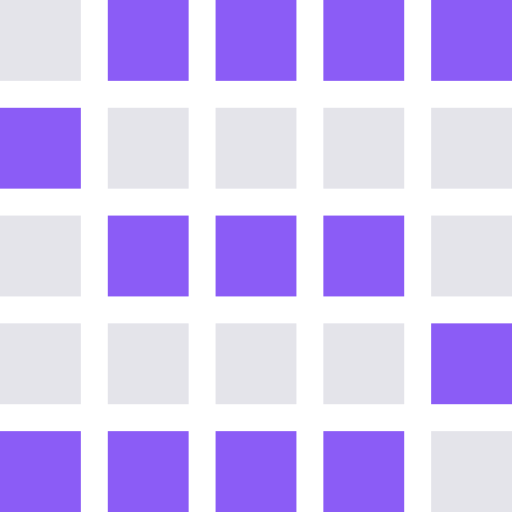
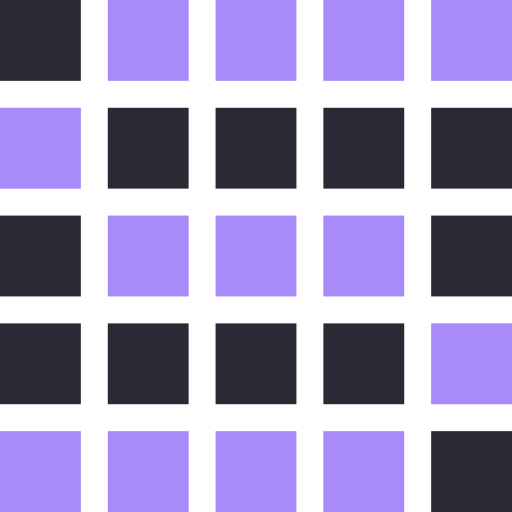
A router matrix is a grid of crosspoints. The mark is the set of crosspoints that, closed together, spell an S. Every asset is SVG built from rects and outlined paths, so nothing depends on a font at render time.


16, 24, 32 and 48px. At 16px the open matrix reads as a shape, not a letter. Below 24px, use the tile.
Inter Tight 800, uppercase, −0.01em tracking. A plain, dense grotesque in the tradition of pro equipment, and it holds at 13px in a nav bar.




The mark sits at cap height and never taller, with one grid cell of clear space on every side. Don't tint letters of the wordmark or set it in another cut; colour comes from the mark and the URL dot.
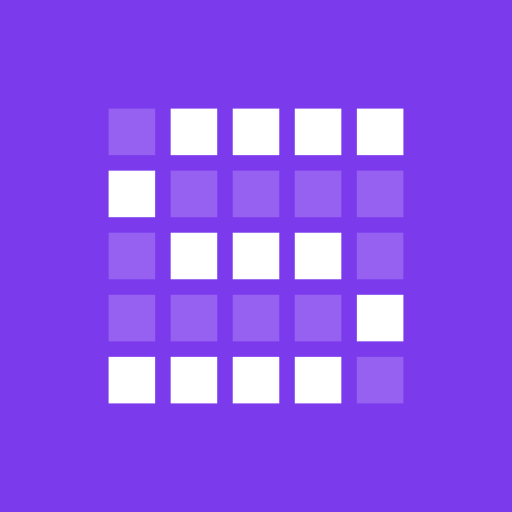
Full inventory: salvo-assets/README.md. Rebuild with node scripts/salvo-assets-build.mjs.
Every app has its own glyph on the same 5×5 crosspoint grid as the S. The tile is the app icon and favicon; the open glyph is what Salvo Home and the dashboard draw next to the app name. Salvo itself, Salvo Home and the dashboard keep the S.


The glyphs come from the product catalog (orchestrate-core src/shared/products.js, editable on Dashboard → Products). When one changes, update it in scripts/salvo-products-build.mjs and rebuild with node scripts/salvo-products-build.mjs. Each folder in salvo-assets/products/ also holds mono, on-dark, favicon (ICO, 16–192px PNG) and touch-icon versions.
Write the way an experienced colleague talks on comms during a show: short, specific, no performance. The voice is the same everywhere; length and detail change with the context.
"Distribute records every feed" says more than three sentences on why recording matters.
"Reliable," not "ultra-reliable." "Fast," not "blazingly fast." Give a number if you have one.
Our readers know SRT, RTMP and LTC. Don't define them or put them in quotes.
Before publishing, ask: would a TD at Pinkpop nod at this, or roll their eyes? And is there a shorter way to say it?
Shortest possible, verb first.
Recording started
Source disconnected. Retrying…
Clip exported · 00:02:14 · 1080p
Your recording has been successfully initiated!
Oops! Something went wrong.
Your clip has been exported! Great job!
Say what happened and what to do next. Don't blame the operator.
Ingest source 'CAM-02' dropped. Last frame: 4s ago. Check connection.
Export failed: disk full. Free 2.1 GB to continue.
Something went wrong. Please try again.
Explain it the way you would to someone across the desk.
Salvo records, routes and releases every feed in your production at once. If the stream is live, the file is growing.
Our state-of-the-art recording engine leverages cutting-edge technology…
Start with the task. Write for someone reading at 2am before a show.
To add an SRT source, go to Distribute → Sources → Add.
In this section, we'll walk you through the process of configuring a new source…
| Use | Instead of |
|---|---|
| stream, source, feed | input, asset (in live context) |
| record | capture (unless at ingest level) |
| fire a salvo | trigger the preset, execute the routing |
| extract | pull, grab |
| timeline | session |
| operator | user (in production context) |
| reliable | robust, rock-solid, bulletproof, seamless |
| use | utilize, leverage |
Neutrals are shared with Let's Go Live!: paper, grey and ink. Cobalt is the accent, kept to one primary action, links and active states. Green, amber and red are reserved for status.
Salvo's own accent; Let's Go Live! orange stays on company material. Keep it under a tenth of any screen. Buttons carry white labels; small cobalt text on paper uses the darker step.
Cobalt never signals status, and no status uses blue, so an accent is never mistaken for a state. Status chips are filled squares, always paired with a word. On light backgrounds, status text uses the darker step.
Two typefaces. Schibsted Grotesk for headings and text. Martian Mono, shared with Let's Go Live!, for readouts, labels and buttons. The wordmark is drawn from Inter Tight and never used as text.
Sentence case. Capitals are for the wordmark only.
17px on pages and in docs, 13–14px in the product. Tabular figures on.
Timecode, addresses, bitrates, logs, buttons and short caps labels.
Pages are read; operator screens are scanned. Same family, different sizes. Nothing goes below 12px.
Headings explain; they don't shout. Left-aligned, natural line breaks. Capitals belong to the wordmark, buttons and short labels.
Nothing under 12px. Small type has to be readable at the size it ships, not just look technical.
Martian Mono where digits must line up, a string must be copied exactly, or an operator presses it. Never for running text.
Real equipment and real screens do the visual work; type identifies and explains them.
The v1 Salvo family (Sans, Condensed, Mono). Replaced by Schibsted Grotesk and Martian Mono in v2.
Its widths move between weights, which makes a headline feel unstable.
Fine faces, but as the interface type they make the product look like every other dashboard on the operator's screen. Inter Tight lives on only in the wordmark.
Light is the default: pages, docs, sign-in, admin and every default view. Dark is for screens operators watch in low light: the program view, the multiviewer, a panel in a truck at midnight. Same tokens, same status colours, same type.
REMI
Distribute
Producer
#121212 is the darkest surface. Pure black reads as a hole in the screen.
#EDEDED for primary text. Pure white on dark tires the eyes over a long show.
Base, panel, raised, elevated: each step is lighter. Shadows don't read on dark, so we don't use them there.
Links, the mark and active states use #7B9BFF. The #2F5BEA button fill stays the same, with a white label.
Every label, tooltip and notification is copy. Write it with the same care as a product page.
Verb first. Name the action, not the destination.
Fire salvo · Start recording · Add source · Export clip · Open timeline
Click here to start · Submit · Go · Recording options
Tell the operator what to do, not what's missing.
No sources connected. Add one in Distribute → Sources.
Nothing here yet! Get started by adding your first source 🎉
Say what happened, in the past tense.
Clip exported · 00:02:14 · 1080p
4 crosspoints armed · released 01:14:32:18
Your clip has been successfully exported! Great job!
Live components from @ionglue/ui-core: the webapp template, the primitives and the ATEM panels. It updates by itself with every change to LGL-UI. Open it full screen.